Ready-made solutions to automate complex editing tasks
Sounds and music for editing
The right sound in seconds — straight onto the DaVinci timeline
All plugins in one bundle with a maximum discount.
Access to files and all future updates is kept in your Dashboard forever.
Access to files is granted immediately after payment
Buy once — get all future versions
We will help with installation and answer any questions
Random platform users who have joined us.

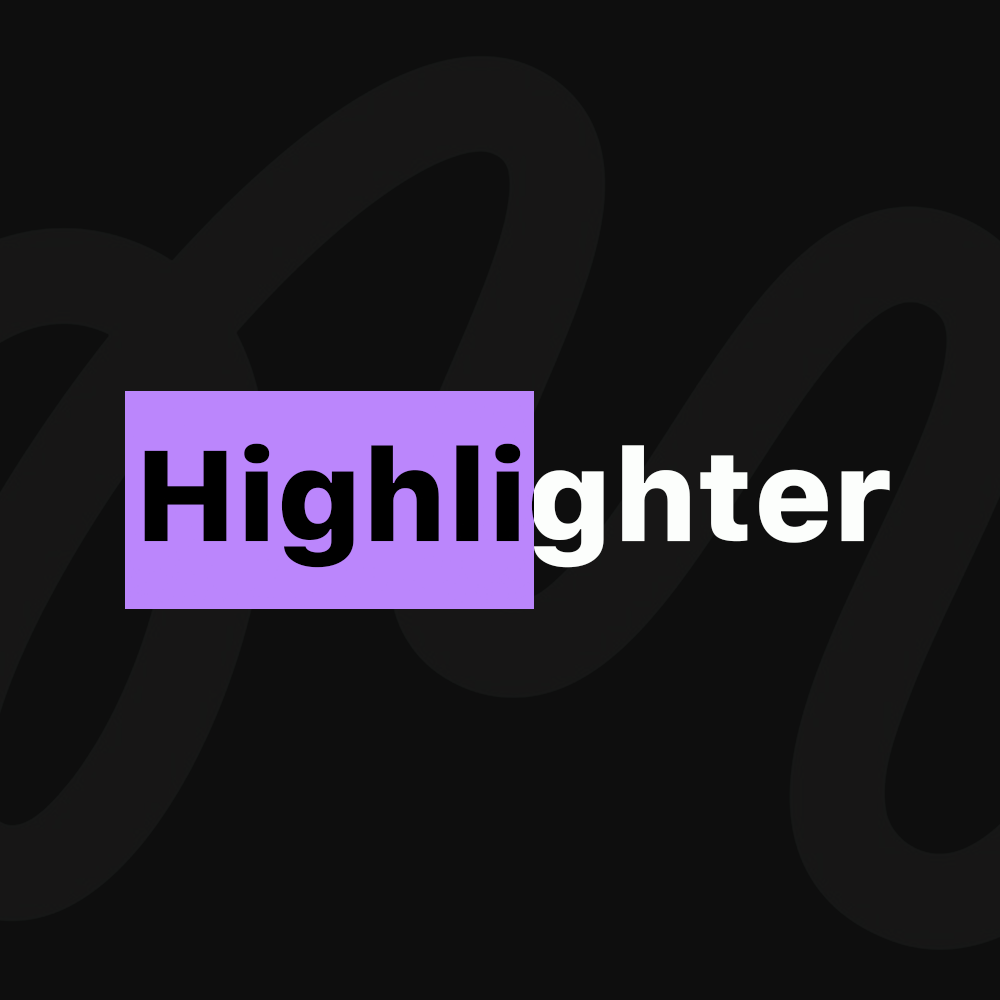
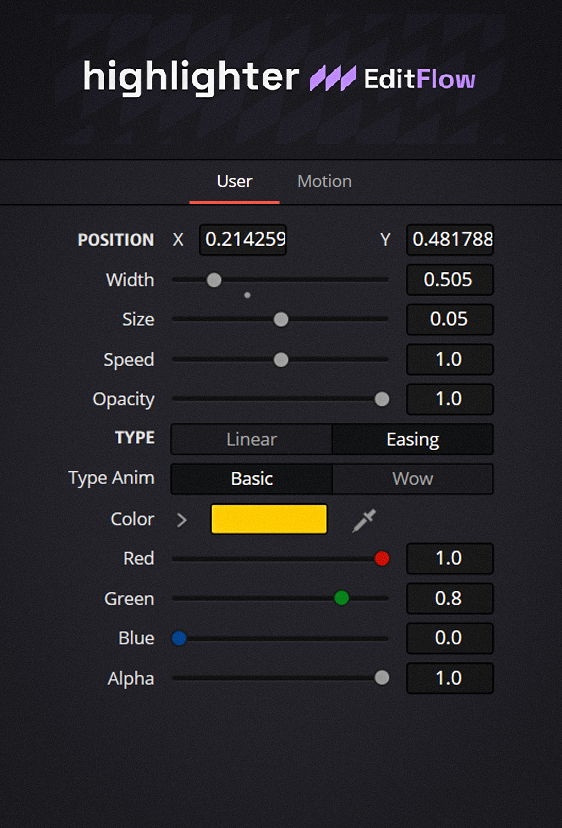
Absolute ControlCustomize highlighting for any task. Adjust width, height, and marker animation speed. Easily position the highlighter anywhere in the frame without creating complex masks in Fusion.
Smooth MotionChoose the animation style: strict Linear for documents and technical presentations, or soft Easing for modern dynamic videos.
Two Reveal StylesUse classic horizontal underlining (Basic) or a stylish vertical bar reveal (Wow). Match the style to the rhythm of your edit.
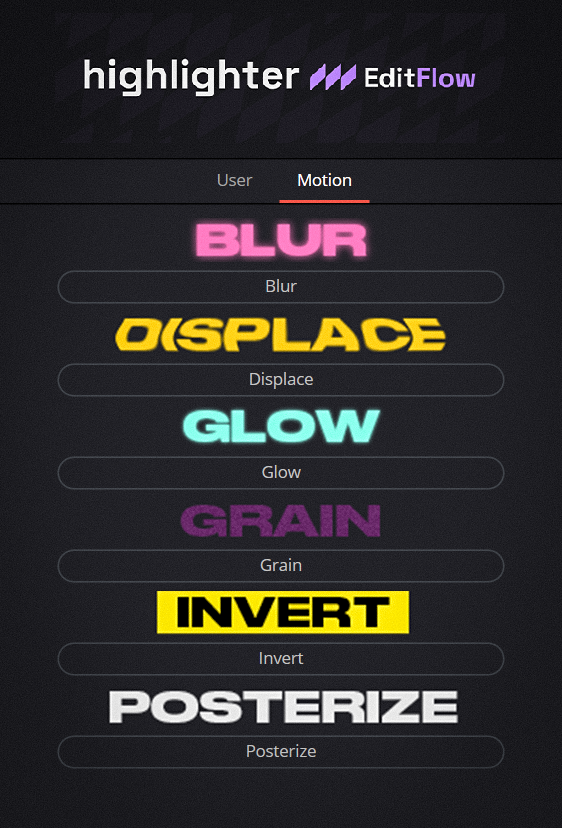
Effects LibraryGo beyond a simple colored bar. Use built-in effects: Blur, Displace, Glow, Grain, Invert, and Posterize.
Why Highlighter?Because highlighting text manually in DaVinci Resolve is slow and boring. With Highlighter, you just drop the effect onto the timeline, and it animates itself. No routine, just pure creativity.
Quickly drop effects directly onto the timeline from the Effects tab.
Full control over the plugin for complex compositing and animation.

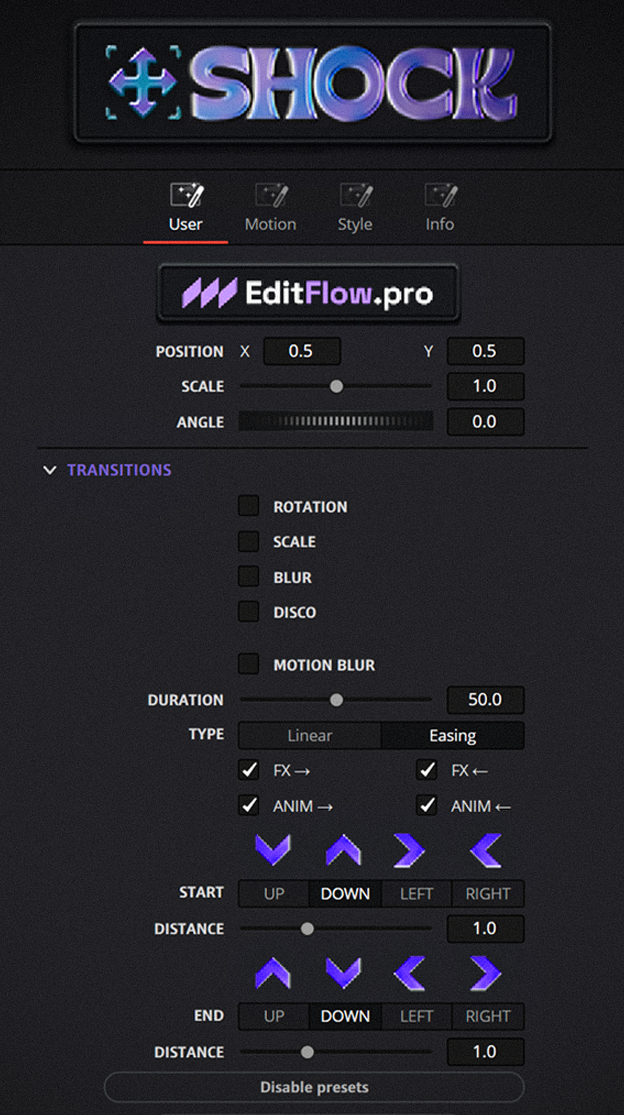
Full Motion ControlAt the core of SHOCK is a two-point animation system. You set:
No more building dozens of keyframes. SHOCK does it for you.
Effects for DynamicsA set of built-in effects that can be fine-tuned and combined:
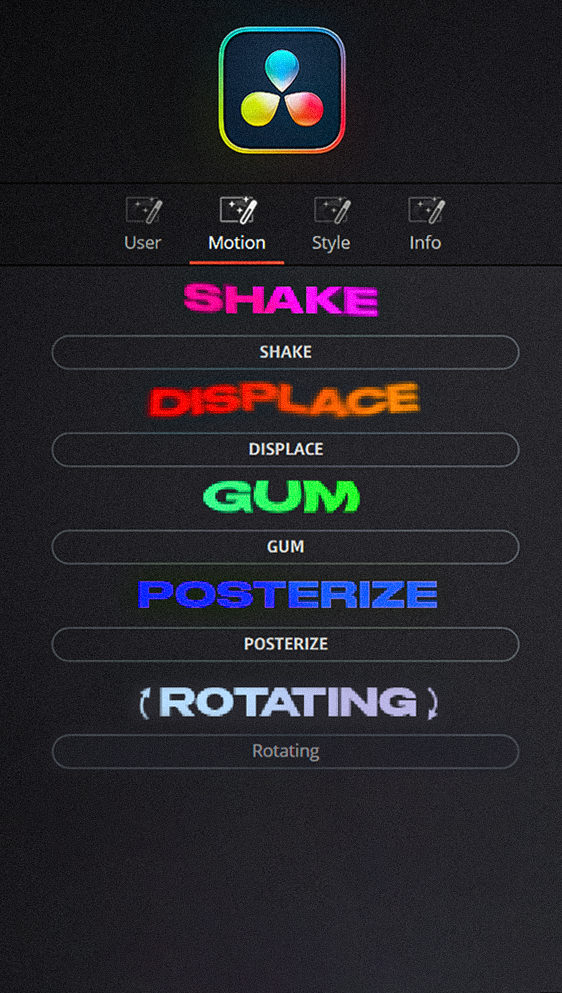
Ready-made PresetsDon't want to tweak manually? SHOCK has a section with ready-made animations:
Create stylish motion elements in seconds.
Perfect for:Speeds up workflow and adds visual character to projects.
Why SHOCK?Minimum keyframes, quick setup, flexible movement system, and full animation control.
Quickly drop effects directly onto the timeline from the Effects tab.
Full control over the plugin for complex compositing and animation.
See it in Action

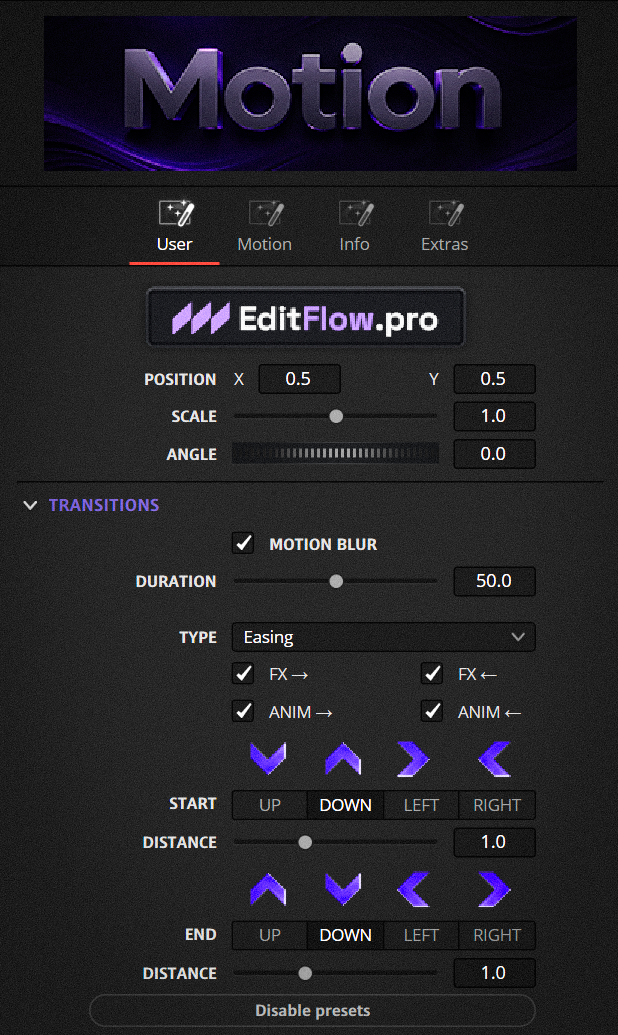
Different Curve TypesMotion gives you full control over the character of movement. Pick the animation curve type:
The same path looks completely different — match the curve to the rhythm of your edit.
Ready-made presetsDon't want to set it up manually? Motion has a section with ready-made animations:
Create stylish motion elements in seconds.
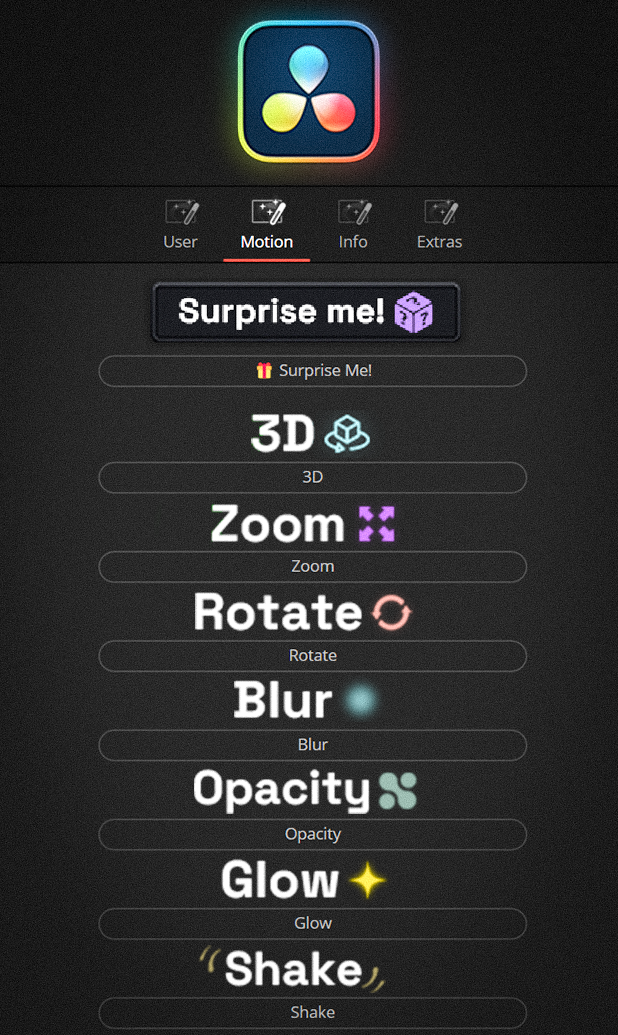
5+ appearance effectsReady-made effects for an object appearing on screen — added in one click:
Combine effects with each other and build eye-catching reveals in seconds.
The "Surprise me!" buttonNot sure what to pick? One button smartly randomizes the parameters and builds a unique animation:
Keep clicking until you catch the perfect one — in seconds.
Works perfectly together with Effector. Animate the movement here, and add glow and shake as a second layer.
Open Effector →When you buy both plugins (Motion + Effector) you get the classic version of SHOCK PRO for free. It is a single All-in-One tool for cases when you need to add animation and styling in one click without switching between layers. Perfect for quick tasks!
Unique Motion BlurWe developed our own motion blur that adds natural movement smearing to the animation while barely loading your system. Smooth visuals with no performance drops — even on weaker machines.
Why Motion?Minimal keyframes, fast setup, a flexible motion system and full control over animation.
Quickly drop effects directly onto the timeline from the Effects tab.
Full control over the plugin for complex compositing and animation.
One-Click StylingBeautifully stylize your images with a single click — no complex setups or masks.
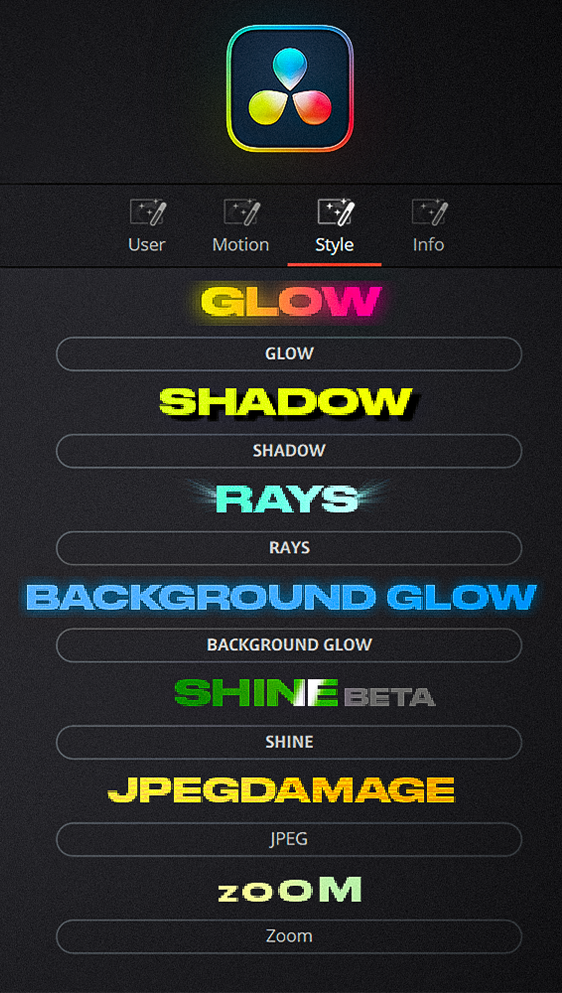
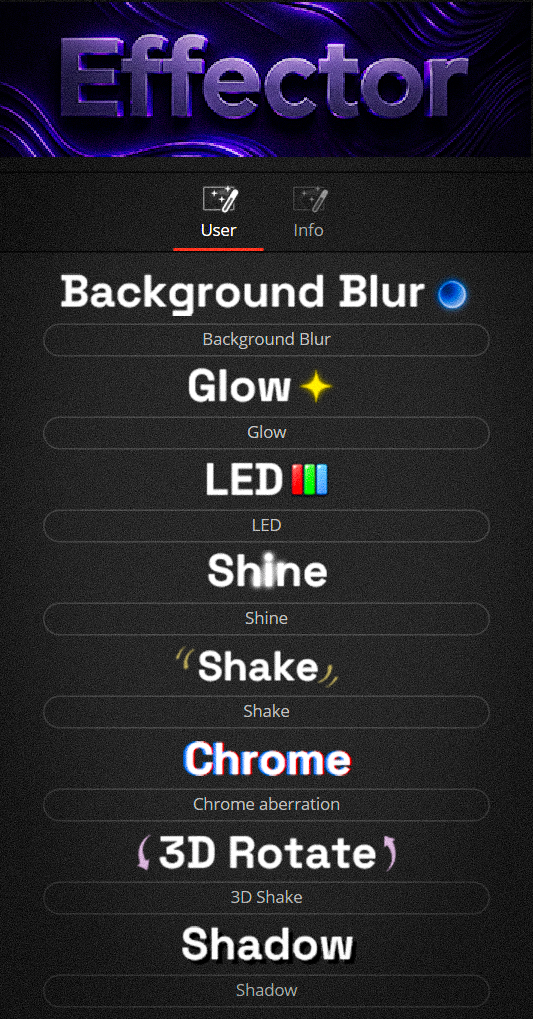
A rich set of effectsInside — built-in effects: Glow, LED, Shine, Shake, Chrome, Shadow, Background Blur and more. Fine-tune them and combine with each other to get your own unique style.
In the latest update we added the 3D Rotation effect — it adds a volumetric shake to the frame across three dimensions. A dynamic 3D shake that brings static shots to life and adds depth to motion.
Works perfectly together with Motion. Style your shot here, and add movement and reveals with the Motion plugin.
Open Motion →When you buy both plugins (Motion + Effector) you get the classic version of SHOCK PRO for free. It is a single All-in-One tool for cases when you need to add animation and styling in one click without switching between layers. Perfect for quick tasks!
Why Effector?Flexible one-click styling, fine-tuning and full control over the look of your shot.
Quickly drop effects directly onto the timeline from the Effects tab.
Full control over the plugin for complex compositing and animation.

Total Customization FreedomThe plugin features over 10 base transition variations that can be deeply customized and combined simultaneously. Mix different styles, change directions and dynamics to create truly unique transitions for your edits.
Surprise me! ButtonSmart randomization of all parameters generates over 1000 unique transition variations. Create new styles in just one click!

Smart AlignmentAdjust the transition duration to your liking and perfectly center it on the cut with just one click.
Universal Format SupportTransitions automatically adapt to your resolution. They work perfectly in both classic horizontal (16:9) and vertical (9:16) formats for Shorts, Reels, and TikTok.
We developed our own motion blur algorithm. It delivers cinematic smoothness while rendering significantly faster than standard DaVinci tools, keeping your PC running smooth and without overloads.
The bundle also includes the classic version of SHOCK PRO — a single All-in-One tool for animation and styling in one click. Perfect for quick tasks.
A month of access to every EditFlow Reels mode.
Every mode, no subscription. Pay per reel, not per month — tokens never expire.
For DaVinci Resolve Studio 20 and 21 on Mac and Windows. Pay by card or crypto.
Click Build reel — the modes run in order, each one putting its result on its own track. Run any of them alone; your clips stay untouched.
AI listens to all your footage, picks the best take of every phrase and builds the reel without pauses or slips.
Jump cuts alternate framing on their own: wide, medium, close — with a smooth push-in. Your clips stay untouched.
Splits speech into phrases, highlights the key word and fixes recognition mistakes. Captions go on their own track.
Picks a track for the mood of every part of the reel and ducks it under the voice.
Finds every graphic and title entrance and puts a sound right on the frame.
AI finds the key thoughts and underlines them with a hit or a ding — like an editor would.
Opens over your timeline on the Edit page. Below is a live copy of the window — click the cards, Settings, Library and Build reel. The plugin itself is in Russian.
Get the key right after signing up: 14 days free. Then a subscription or tokens.
| What is included | Trial$0 | Subscription$9 | No plantokens |
|---|---|---|---|
| Auto-cut and smart captions | 10 reels | 30 reels a month | tokens |
| Zooms, music, sound FX, accents | ∞ | ∞ | tokens |
| Studio graphics (stop-motion, infographics) | 200 / min | 150 / min | 200 / min |
| Period | 14 days | month | — |
Subscription — $9 a month. No auto-renewal. Early-bird price.